> For the complete documentation index, see [llms.txt](https://docs.insilicoterminal.com/documentation/llms.txt). Markdown versions of documentation pages are available by appending `.md` to page URLs; this page is available as [Markdown](https://docs.insilicoterminal.com/documentation/application-elements/aggr.md).
# Aggr
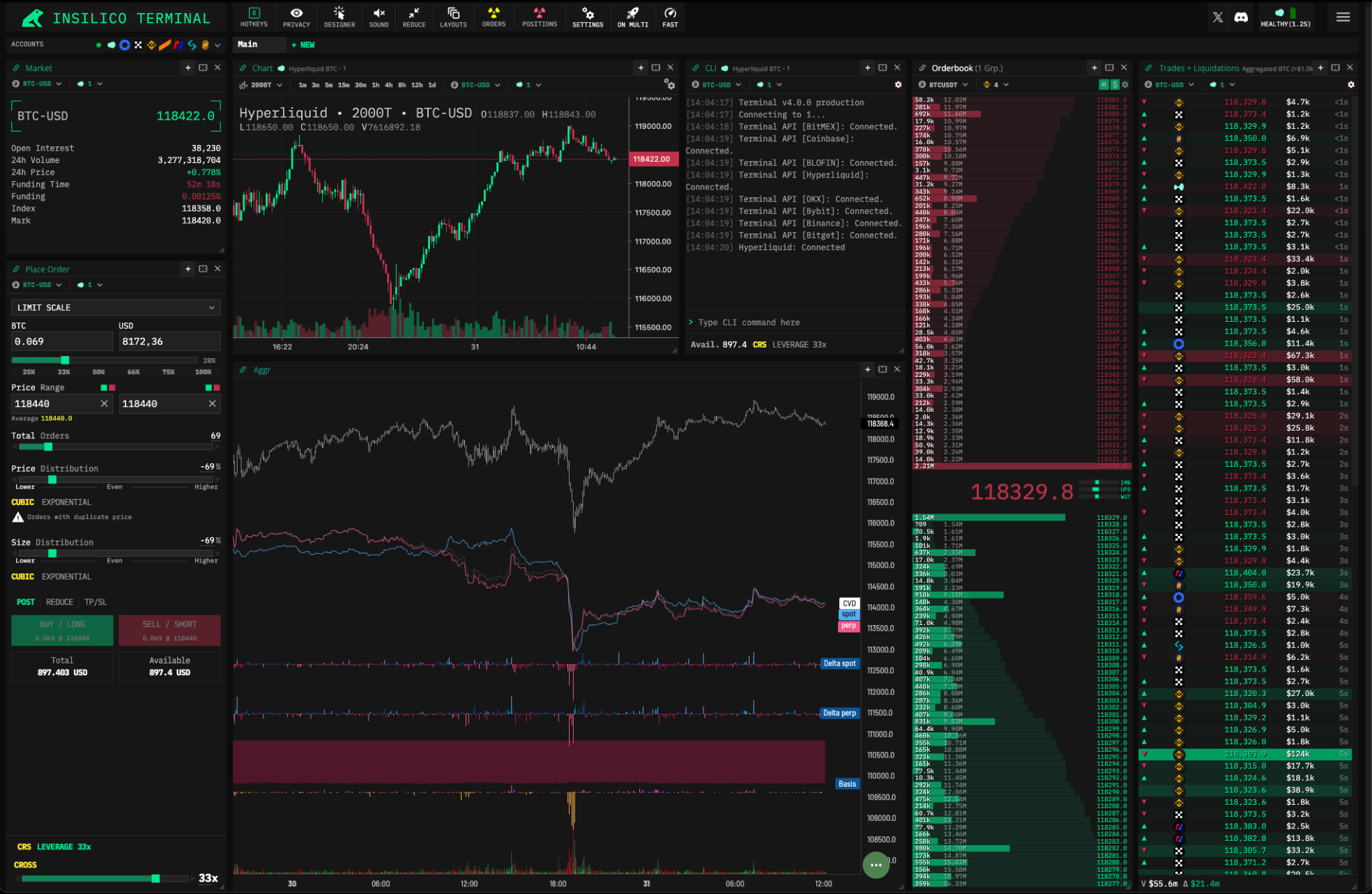
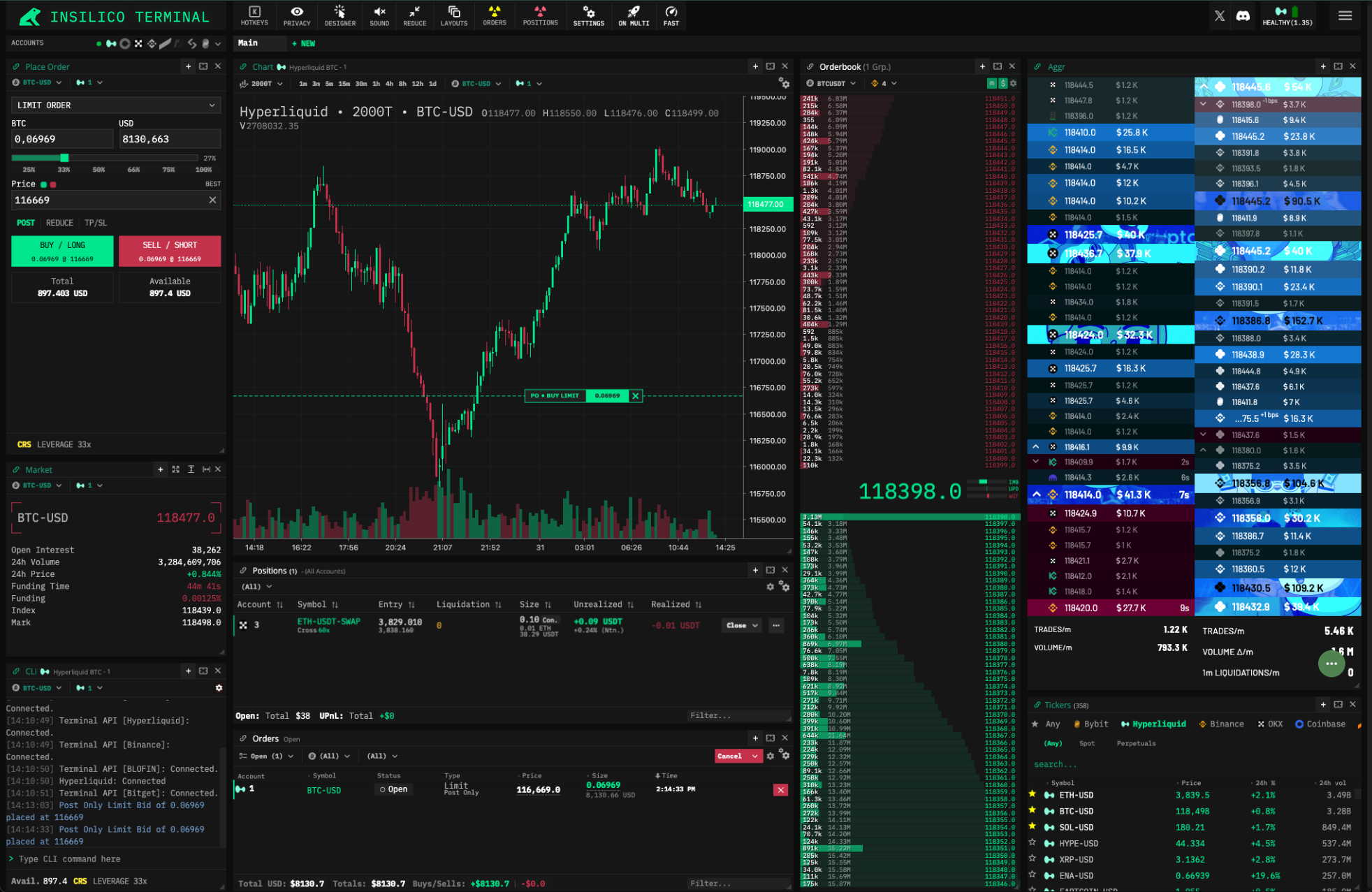
Aggr is a tool for trades aggregation, advanced analytics and the legandary sound feedback. You can only use its Trades stream incl. sound or expand the component into a comprehensive market monitoring tool.
For starters you can download some presets here [https://github.com/cryptorife/aggr-templates](https://t.co/ulBu0CW82A). Insert them in AGGR via the Green button (bottom right) > Settings > “+ New” > “Upload template file” > (select file) > “IMPORT”.