> For the complete documentation index, see [llms.txt](https://docs.insilicoterminal.com/documentation/llms.txt). Markdown versions of documentation pages are available by appending `.md` to page URLs; this page is available as [Markdown](https://docs.insilicoterminal.com/documentation/application-elements/multi-mode/multi-layout.md).
# Multi Layout
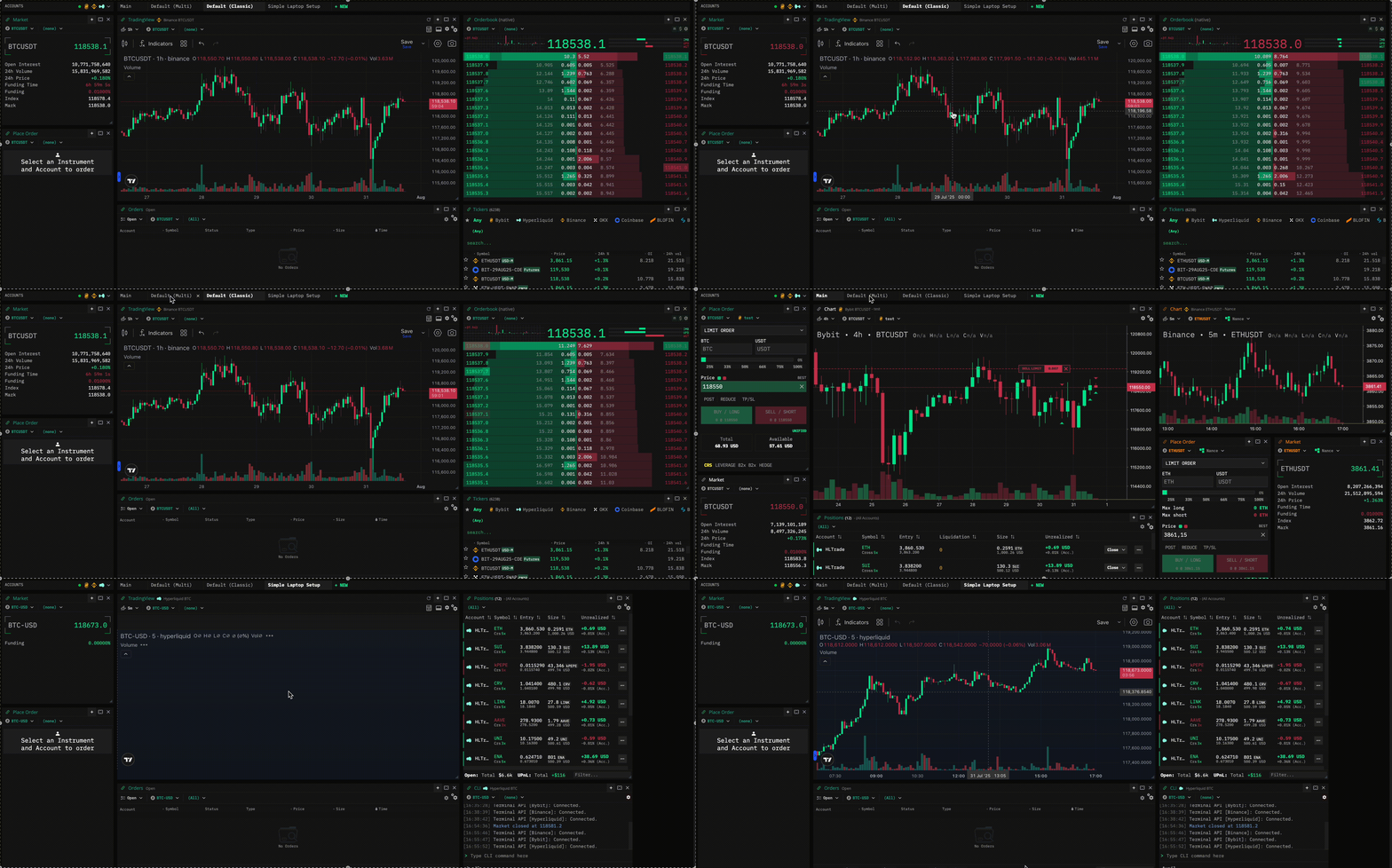
Create tabs and switch views in an instant
Manage your trading workspace with Tabs. You can create as many as you like and they are automatically saved.
Creating tabs is easy! Just press the **+** new tab button, give it a name and press enter. You can delete tabs except the "Main" tab which is always present.