> For the complete documentation index, see [llms.txt](https://docs.insilicoterminal.com/documentation/llms.txt). Markdown versions of documentation pages are available by appending `.md` to page URLs; this page is available as [Markdown](https://docs.insilicoterminal.com/documentation/limit-tab/scale-side.md).
# Scale Side
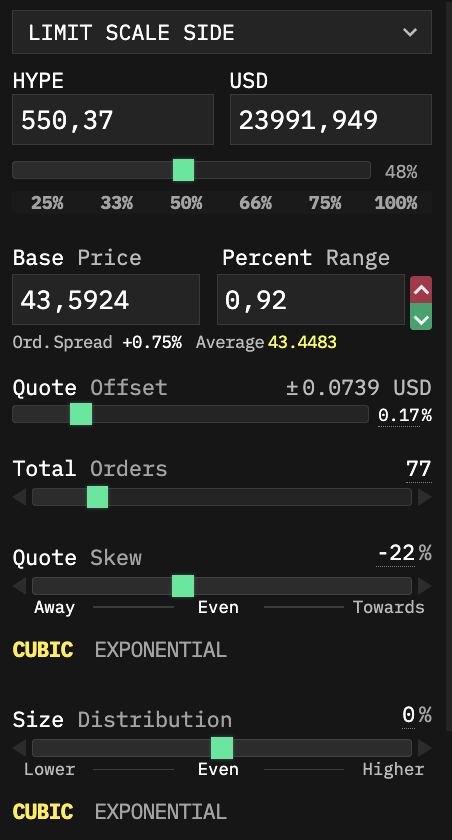
Scales multiple orders on one side close to price. It is almost identical to the [Scale](/documentation/limit-tab/scale.md) order, except that it is meant for rather quick entries as a scalping tool. As with the Scale order, Scale Side is useful in conjunction with the Designer Mode.
**Quote Offset** determines the offset for the closest order from the quote / price.
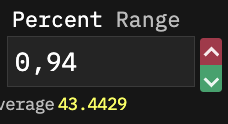
Click on the small arrows next to **Percent Range** to drop down a menu for quick selection of useful price ranges.